How to Search Ads and Contact Sellers on MyAdRocket
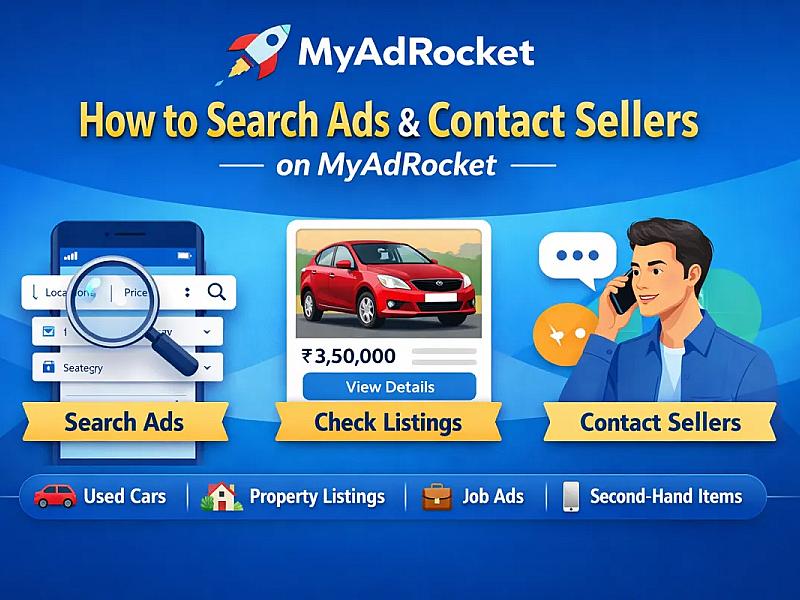
How to Search Ads and Contact Sellers on MyAdRocket
Looking to buy used cars, property, jobs, or services online? MyAdRocket makes it easy to search ads, check listing details, and contact sellers directly — all for free.
🔍 How to Search Ads on MyAdRocket
Finding classified ads is simple:
- Use the search bar to enter keywords like used cars in Vadodara, 2BHK flat for sale, or second-hand mobile.
- Browse by category (Cars & Vehicles, For Sale, Services, Property, etc.).
- Apply filters such as price range, location, condition, and latest ads to get accurate results.
Using smart filters helps you quickly find the best local classified ads near you.
📄 How to Check Ad Details
Click on any listing to view:
- Product images
- Price information
- Full description
- Seller location
- Contact details
Always read the description carefully and compare multiple listings before making a decision.
📞 How to Contact Sellers
MyAdRocket allows direct communication with sellers:
- Click the Call button to speak directly.
- Use the Chat on WhatsApp option to send message on WhatsApp.
- Click on Send Message button to chat with website built-in chat tool.
Before finalizing, confirm availability, price negotiation, and product condition.
Why Choose MyAdRocket?
- Free classified ads posting
- Easy ad search
- Direct seller contact
- Wide range of categories
- Fast and user-friendly platform
Whether you're buying or selling, MyAdRocket is your trusted platform for online classified ads in India.